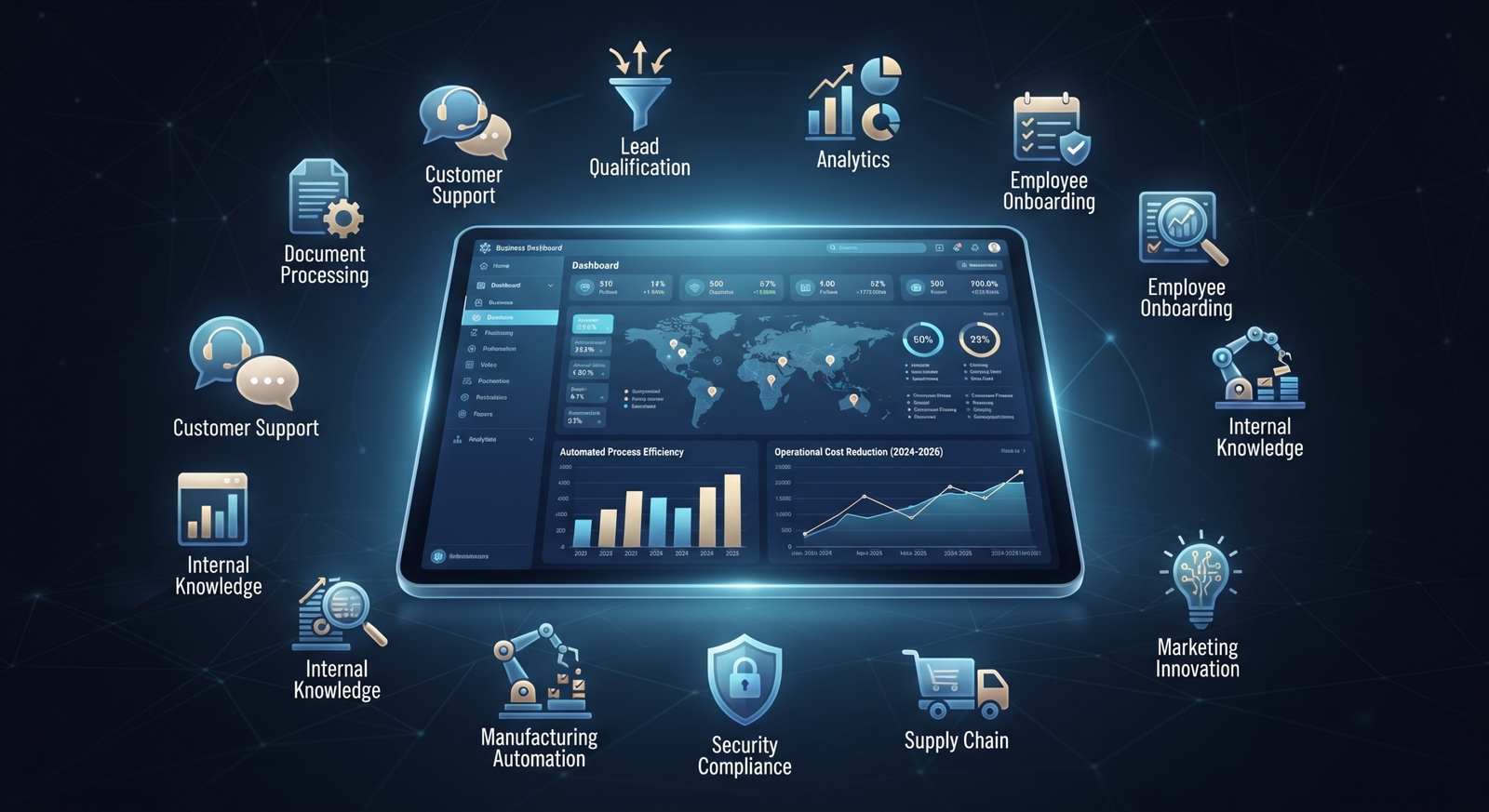
In 2026, the most valuable AI projects are not necessarily the most futuristic ones. For many businesses, the biggest opportunity is hiding inside everyday work: repetitive tasks, slow handoffs, scattered information, and processes that depend on employees manually moving data from one system to another.
AI can now process language, extract information from documents, summarize conversations, classify requests, generate content, and support decisions. When combined with business systems and workflow automation, these capabilities can remove significant operational friction.
Here are 10 business processes worth evaluating for AI automation.
1. Customer Support Triage and Response
AI can analyze incoming emails, chat messages, and support tickets, identify the customer’s intent, determine urgency, retrieve relevant information, and route the request to the appropriate team.
Simple questions can receive approved automated responses, while complex or sensitive cases can be escalated to a human agent. This helps support teams spend less time sorting requests and more time solving important problems.
2. Document and Invoice Processing
Invoices, contracts, purchase orders, applications, and forms often require employees to manually read documents and enter information into other systems.
AI can extract key fields, classify documents, validate information against business rules, and send exceptions for human review. This can reduce manual entry while improving the speed of document-heavy operations.
3. Lead Qualification
AI can review inbound leads, analyze submitted information, enrich records from approved data sources, identify qualification signals, and prioritize leads for the sales team.
Instead of treating every inquiry equally, businesses can create a workflow that identifies high-value opportunities and ensures timely follow-up.
4. Sales Follow-Ups and CRM Updates
Sales representatives often lose time updating CRM systems and remembering when to follow up. AI can summarize meetings, extract action items, draft follow-up messages for review, and update relevant records.
The objective is not to replace salespeople. It is to reduce administrative work so they can focus on conversations and relationships.
5. Employee Onboarding
Onboarding frequently involves collecting documents, creating accounts, assigning training, answering recurring questions, and notifying multiple departments.
An AI-powered workflow can guide new employees through the process, answer common policy questions from approved company knowledge, track missing steps, and trigger tasks for HR, IT, and managers.
6. Internal Knowledge Management
Employees often waste time searching through shared drives, documentation, chat histories, and internal portals.
A secure AI knowledge assistant can help employees retrieve information from approved sources, summarize policies, and point users to the original documentation. Access controls are essential so employees only see information they are authorized to access.
7. Reporting and Business Intelligence
Many teams manually collect data from multiple systems before producing weekly or monthly reports.
AI automation can gather approved data, generate summaries, identify unusual changes, and prepare report drafts. Human analysts can then focus on validating insights and making decisions rather than assembling the same report repeatedly.
8. Data Entry and Record Management
Data entry remains a major source of operational cost. AI can extract information from emails, forms, documents, and conversations, then prepare structured records for review or direct processing where confidence and controls are sufficient.
Validation rules and audit trails should be part of the workflow, especially when the data affects finance, customers, or compliance.
9. Marketing Content Operations
AI can help marketing teams organize content briefs, repurpose approved material, generate first drafts, summarize campaign results, and maintain content workflows.
The strongest use case is usually not “press one button and publish.” Instead, AI accelerates preparation while humans maintain strategy, brand voice, accuracy, and final approval.
10. IT and Operations Incident Management
AI can summarize incident reports, categorize issues, search approved technical knowledge, suggest next steps, and keep stakeholders updated.
For recurring incidents, automation can trigger diagnostics or standard remediation steps. High-risk changes should remain subject to appropriate human approval.
How to Prioritize AI Automation Opportunities
Not every process should be automated first. Start by evaluating processes according to volume, repetition, business impact, data availability, error rates, and implementation risk.
A good first project usually has a measurable baseline. For example: “Reduce average document processing time by 50 percent” or “Decrease manual ticket triage by 70 percent.”
Choose one focused use case, build a controlled pilot, measure the results, and expand only after the business value is proven.
Conclusion
AI automation is becoming a practical operating capability rather than a distant experiment. Customer support, document processing, sales operations, reporting, onboarding, and internal knowledge are all areas where businesses can reduce repetitive work.
The key is to start with a real operational problem, not a technology trend. A well-designed automation should connect to existing workflows, include security and human oversight where needed, and deliver measurable business value.
Xhylo can help organizations identify high-impact opportunities and build AI-powered workflows that fit their existing systems and operations.